Scroll to see more hints.
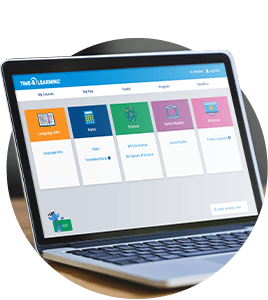
How do I find my course?
Look to the "My courses" block on the right. Click on the plus sign to find a link directly to your course, and click it!I submitted an assignment, but it has not been graded yet. What do I do?All teacher-graded assignments will be graded within 24 hours (excluding weekends). If it has been longer than 24 hours you may contact the teacher by sending a message through the campus or send Time4Writing support an email to info@time4writing.com .
Where do I find a list of which assignments I have and have not completed?While in your course, click on your name and then select the "Activity Report" tab. This will give you an ordered list of assignments and where you stand on them.
How do I update my avatar/profile? Click on your name in the upper right corner and then select "profile". Edit and save. All done!
How do I contact my teacher?Go to your course and look at the top section of the course. You'll see a link that says "Send the teacher a message". Click that, Hit "Send message." Type your message and hit send. Your teacher will get back to you within 24 hours or by Monday, if you send the message over the weekend.
Where do I find my grades?On the left hand side of the main page of your course, you'll see a link that says "Grades". That's where you can see your grades.